What is the Tip Menu?
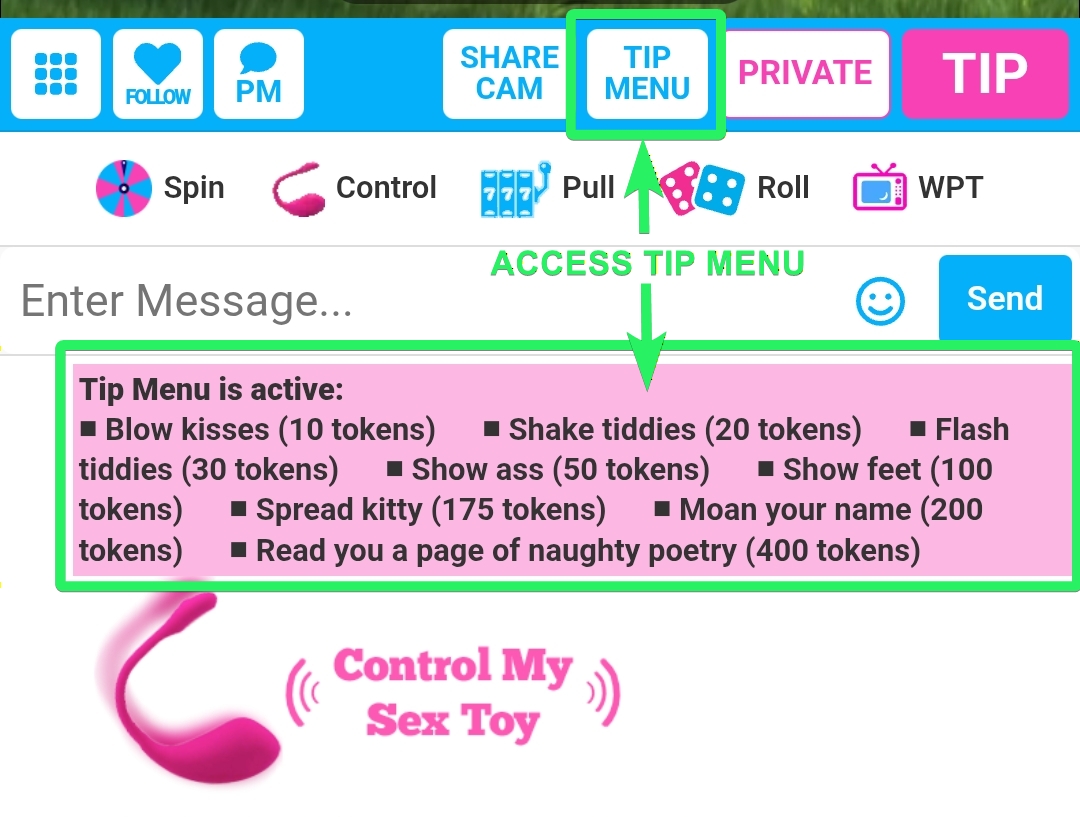
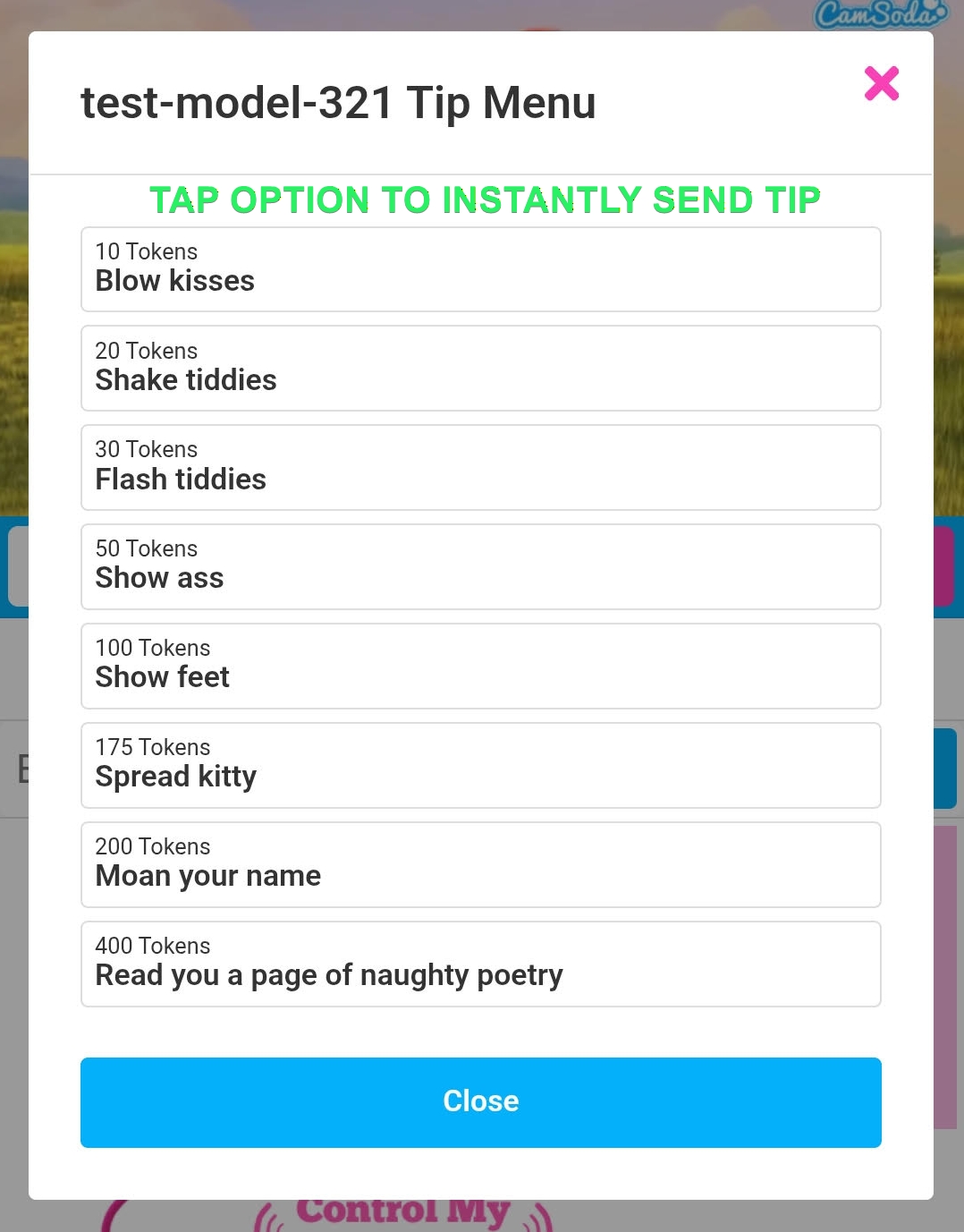
The Tip Menu on CamSoda is a curated list by each model, featuring actions they are comfortable performing during live shows. Each action is assigned a specific token cost set by the model.
How to Use the Tip Menu:
- Accessing the Menu: When you enter a model's room, you can view their Tip Menu by typing /menu in the chat bar and clicking the pink highlighted text or tapping the Tip Menu button below the model's stream.
- Placing a Tip: Choose an action from the menu and tip accordingly. The model will receive your tip message and perform the selected action. You may also send tips of the corresponding amount manually rather than directly using the tip menu.